Hello MantaChasm! As I said in my previous post I’m VERY excited to write about my new PC build and how it’s coming. So without further ado, let’s get to it!
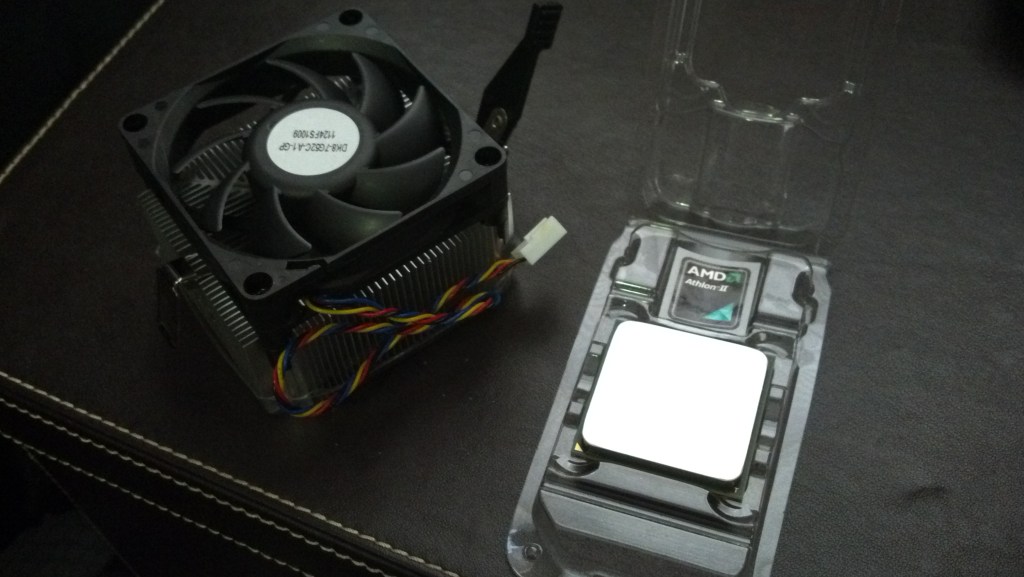
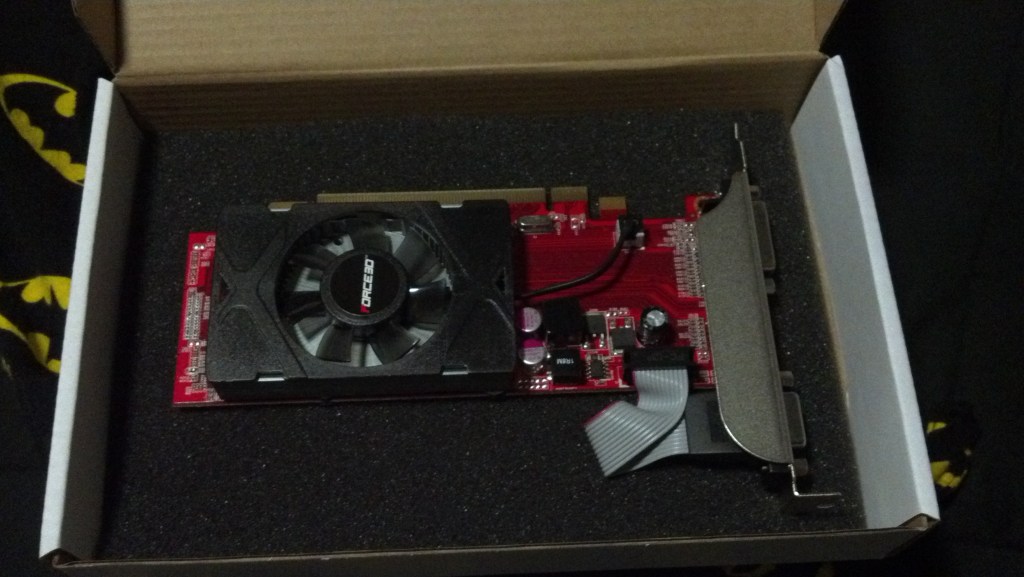
For those that don’t know (probably all of you) I’m very big into naming inanimate objects. Something about it makes the relationship more personal, and being able to converse aloud to something like a computer or my car just makes life move along a little better, I think. With that said, my main home PC is named Maria, after a certain character from a certain anime (we’ll see if you can deduce it through the new PC’s style). Maria began her life in 2010 as a pre-built HP Pavilion Desktop: an AMD Athlon II CPU, stock HP MOBO, 8GB of some slow DDR3, and a 1TB HDD. A few years later I started getting into WoW, so of course I needed to improve on what I had. I bought a Force3d Radeon HD 6450 (if I remember correctly) and an Athlon II x4, the bigger brother to the CPU HP used. She took the upgrades like a champ and together we began my PC gaming career.
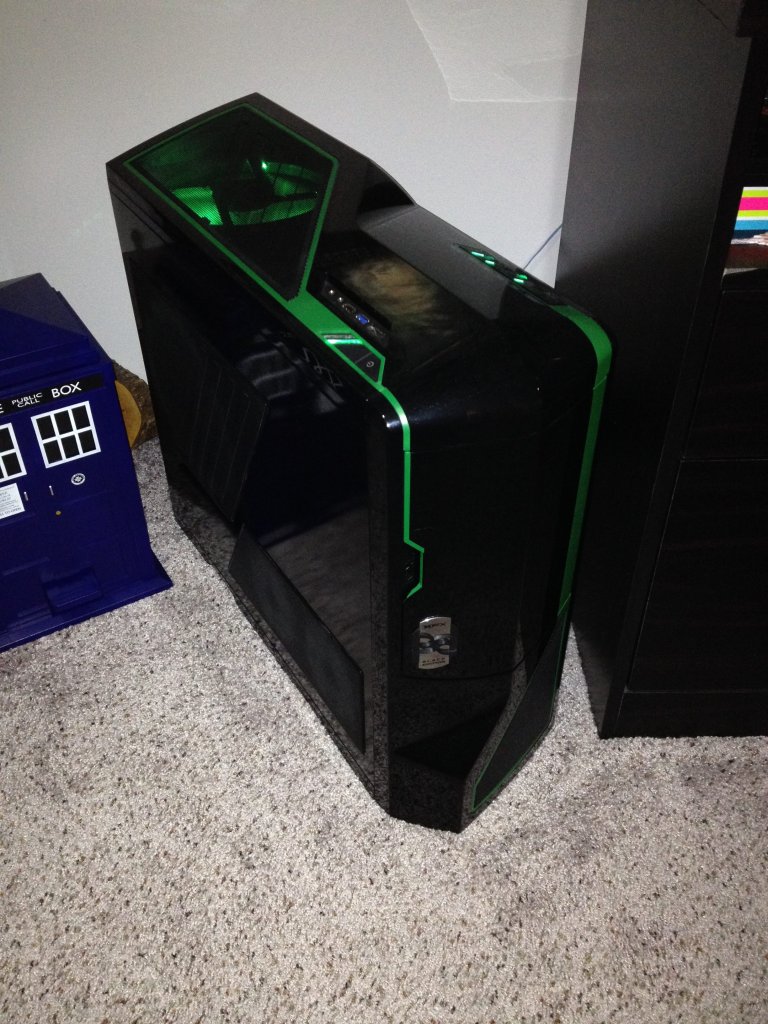
She continued in this configuration for a year or so, until we finally hit the capacity of what she could handle. I began purchasing most the components she still has today: Gigabyte MOBO, AMD FX-8320 CPU, an early Samsung 120GB SSD, 16B of good Corsair DDR3 and an NZXT 700W PSU, all wrapped up in an NZXT Phantom II chassis with green accents. We migrated her OS from the HDD to the SSD, essentially keeping her exact configuration (at the time I had a sketchy understanding of drivers, at best) and made the HDD a mounted media drive. This is how she stayed for another year, gaining only two improvements: an XFX branded Radeon HD 7770 to replace her 6450 and a second Samsung 120GB SSD.
In 2015 she saw her next round of upgrades, two new WD RED 3TB HDD to replace the old 1TB drive, and a second XFX Radeon HD 7770, now connected to the first in Crossfire configuration. We also changed out her RAM from the 16GB dual-channel kit to a Corsair quad-channel 32GB kit (still DDR3), wrapping up her upgrades for a few years. In the meantime I gained a work machine, Ru-Ru, and upgraded her into a custom rig built from a salvaged PowerMac G5, making Ru-Ru Mk.2 significantly more powerful than Maria. Her EVGA 980Ti FTW was actually passed on to the home machine when I upgraded her to an EVGA 1060 SSC, and Maria is a bit upset about taking her younger sister’s sloppy seconds.
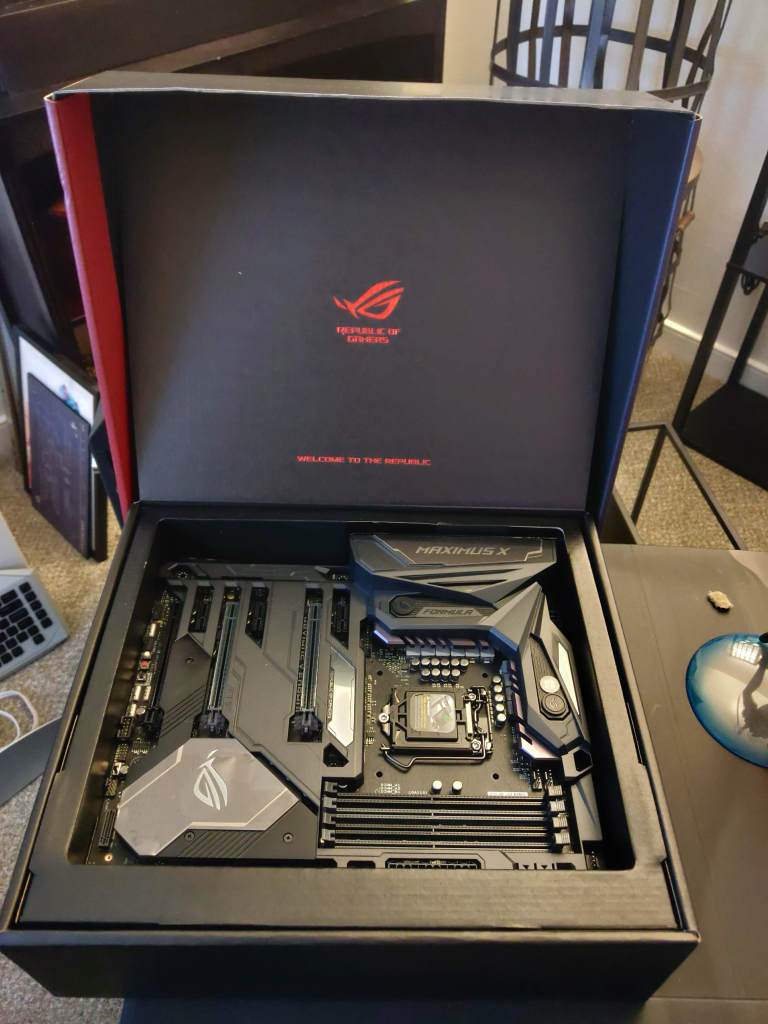
So! Almost one year ago I began mapping out what I wanted Maria–now taking the name “Maria:Unlocked”–to be equipped with. I knew I wanted an impressive tower chassis, and I wanted to do my own custom water-cooling loop (I’d wanted to do the same for Ru-Ru Mk.2, but for financial reasons opted for a CoolerMaster AIO). I eventually settled on Thermaltake’s “The Tower 900”, a mighty chassis with all of the room I could ever want. I started picking the rest of the components, planning out designs in my head and then later on the computer: color schemes, cooling loop layouts, lighting accents, etc. I was going to go Intel like I’d done with Ru-Ru Mk.2 and use NVIDIA’s 10-series as her GPU. Lucky for me time has definitely passed and NVIDIA is going to be releasing the successor to the 20-series cards and Intel is launching their 10th generation of CPUs, so I haven’t had to spend an arm and a leg to get what I need. So following much debate, Maria’s final component list was an Intel i5-8600K, EVGA 1070Ti, EVGA Supernova 850 G1+ PSU, Asus Maximus X Formula, GSkill Trident Z quad-channel 32GB DDR4, WD Black M.2 NVMe 500GB, and a 4TB WD RED HDD. I don’t think I forgot anything…
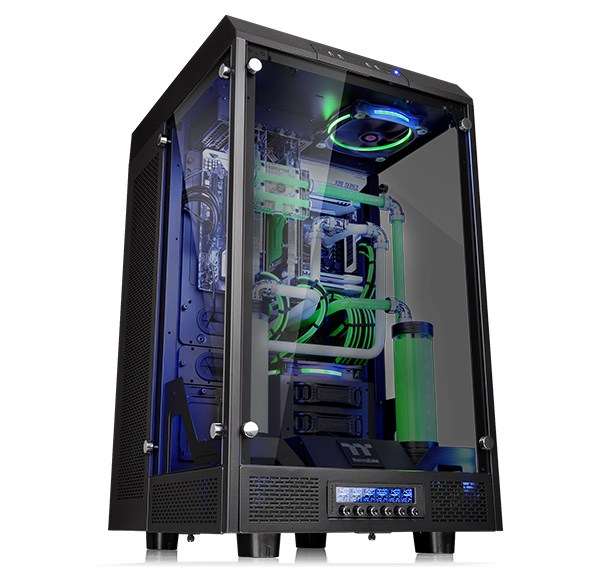
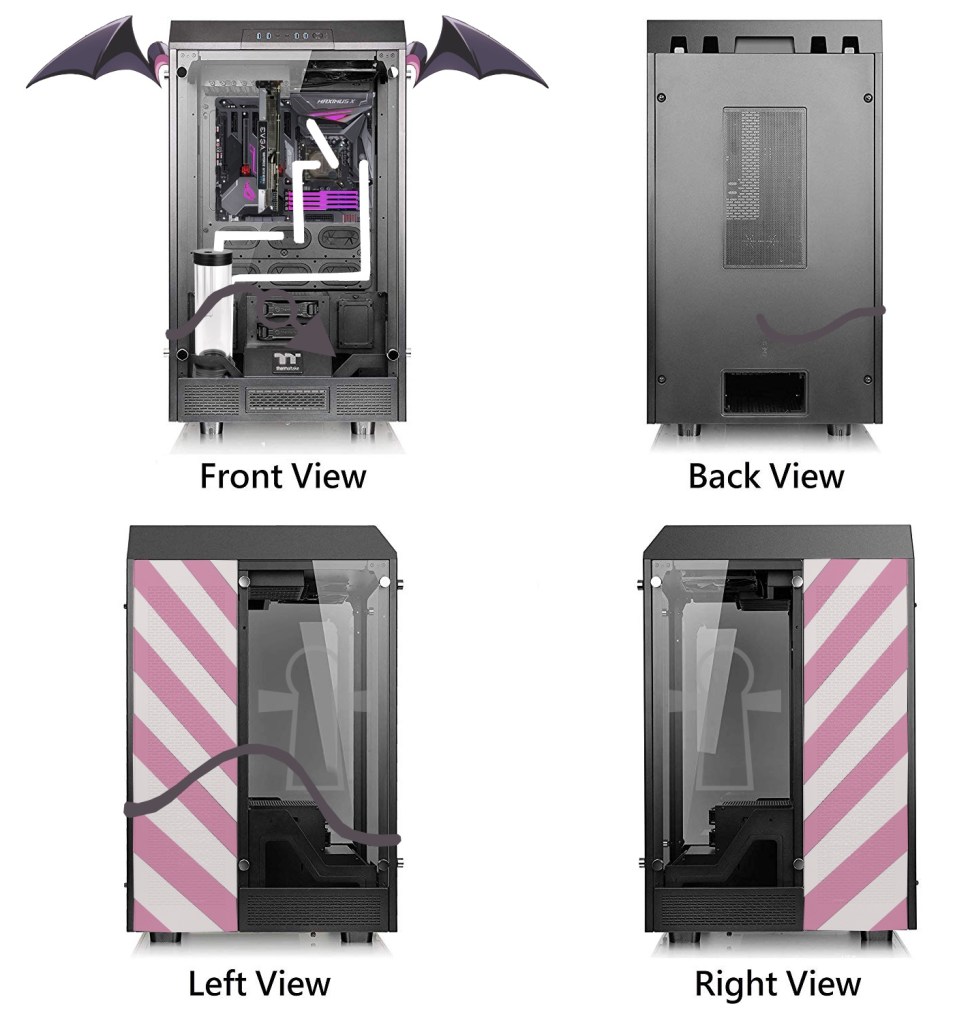
Can you guess her namesake yet?
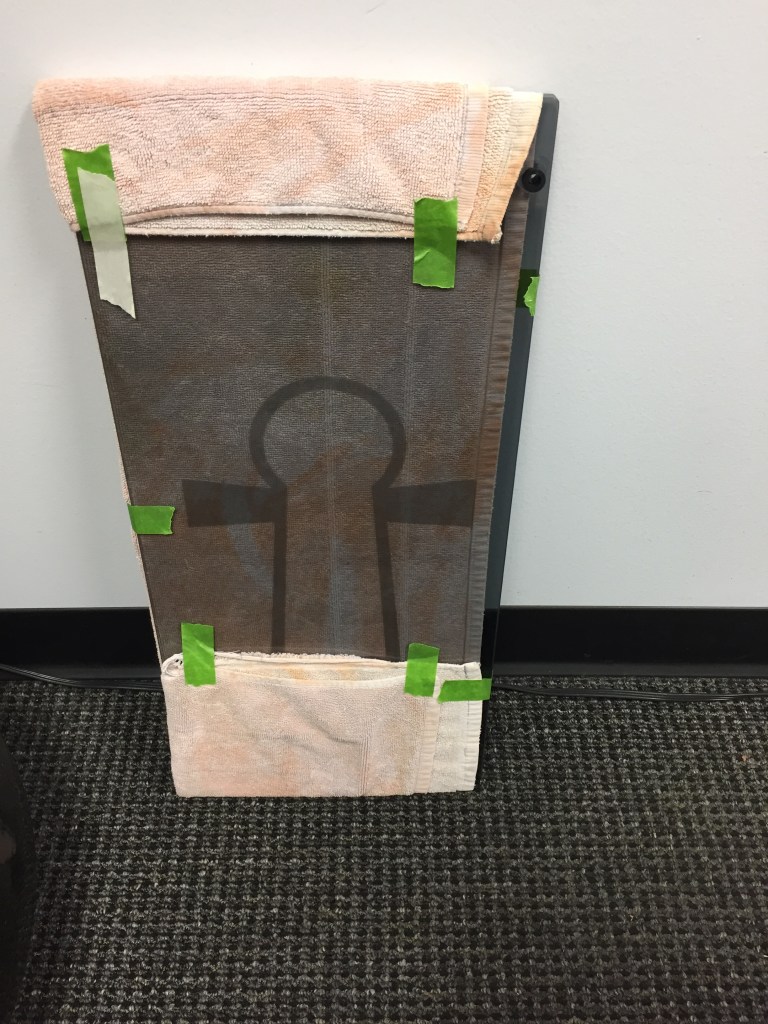
I was able to purchase the chassis at an amazing deal in 2018 and bought a chunk of the water-cooling supplies I needed from EKWB on 2018’s Black Friday sales (CPU waterblock, GPU waterblock and fittings). I acquired the Maximus X Formula at the end of 2018 and the RAM and GPU around March-May of 2019, the RAM was on a flash sale from Newegg and the GPU was actually purchased on auction from eBay (used but lightly; I tested it heavily in Ru-Ru Mk.2 with benchmarks and stress tests, even got some stable overclocks). Her OS drive was grabbed on sale from Amazon, but the PSU was unfortunately purchased at full price in an emergency as Maria’s existing NZXT PSU started to have some power problems. I was able to get a local artist to etch the Ankh-shape onto the Tower 900’s tempered-glass side panels for a good price, and I think they turned out excellent.

Financial reasons slowed my progress and I accepted the fact that my custom watercooling would have to wait. However, purchasing picked back up this month and I was able to secure an Intel i5-9600K instead of the 8th Gen, an NZXT Kraken X42 to cool it, and a retail copy of Windows 10 Pro. I exchanged the stock NZXT fan on the Kraken to a 140mm Noctua NF-P12 for exhaust, and switched out Thermaltake’s stock intake fan with the same model. Two 120mm Noctua NF-P12 fans completed the rear intake; we’ll see how this goes for now and if more airflow is needed I’ll add two more of the 120mm fans for extra intake.

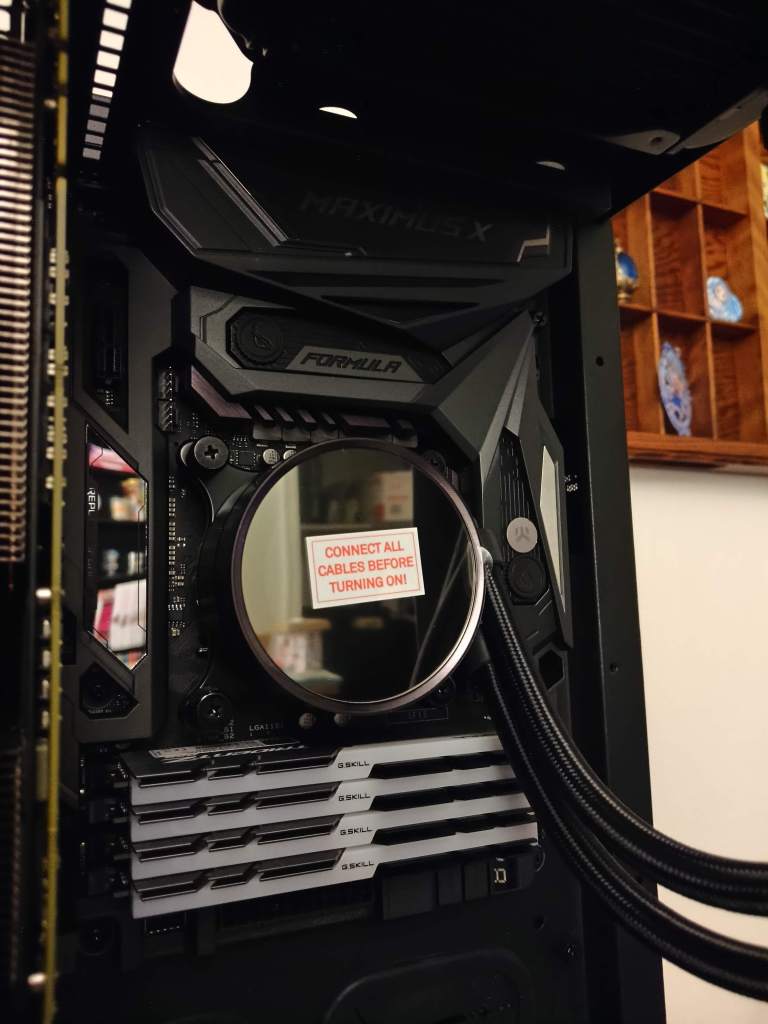
During assembly I realized that to keep Maria looking sleek I’d need to add a few “quality of life” improvements. The Maximus X Formula had a serious lack of discreet headers, and while I was already going to use sleeved power cables I was also going to need similar accessories for USB and the like. I purchased an NZXT USB2 hub to feed the Kraken and future connections, and a SilverStone 8-fan splitter to control all of the intake fans in the rear. A CoolerMaster right-angle 24-pin ATX power adapter cleaned up that area and added a bit smoother power with a decent built-in capacitor.
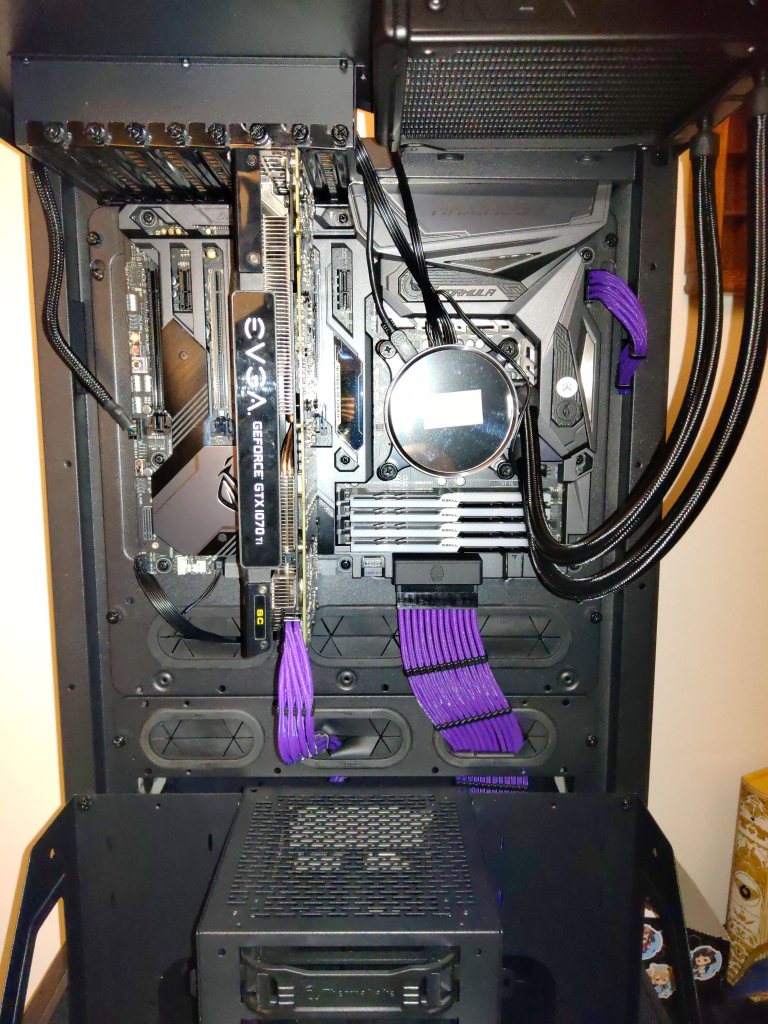
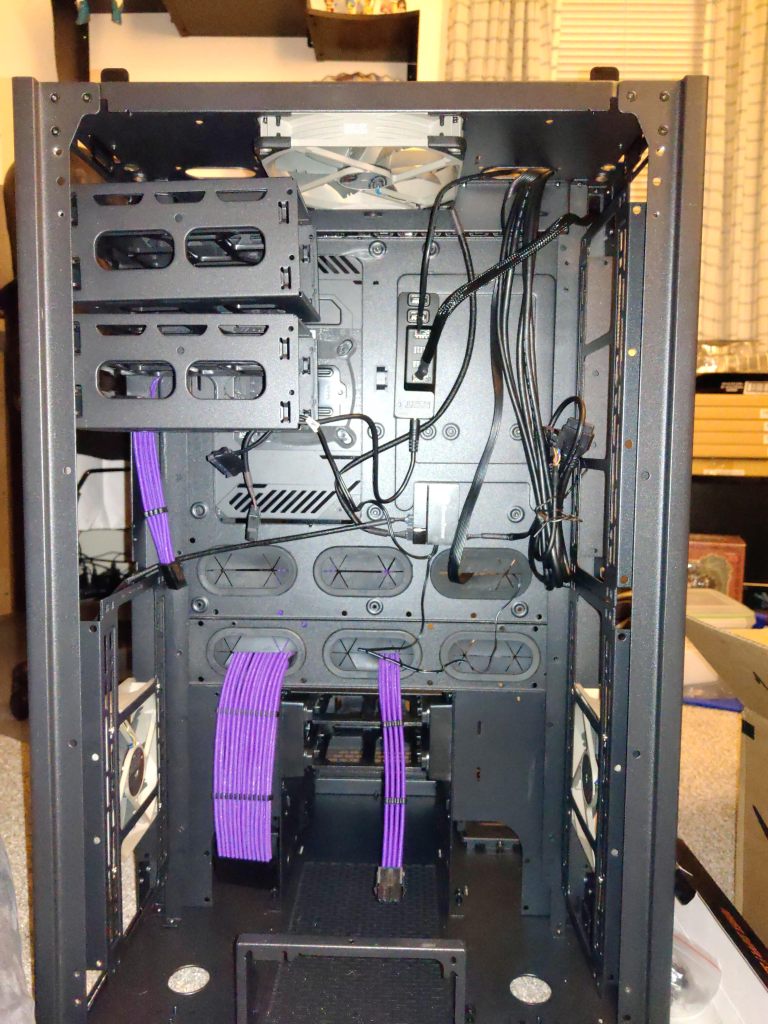
As I mentioned, the PSU is currently living in Maria’s existing body so I have a temporary PSU arriving today that I’ll swap out to keep her functional while also powering her new shell. I’ll need to take out her 980Ti as it’s a 500W PSU, but I should be able to get her new body up and configured before next Thursday’s recording. This should be all of the components I need for now, but as we test her new capabilities changes may be made. I already mentioned we may need more intake fans in the rear but we may need to reconfigure fan layouts, change cooling paradigms, and of course add some pretty lighting. The theme is purple with pink and white accents, so we’ll see how that looks when it’s all said and done.
This is my longest post on this site by far (because of all the pictures!) and I applaud you for making it this far. So until next time, thank you so much for reading and be sure to check out my channel on YouTube where we’ll be releasing episode 9 of the Space Engineers survival series! See you then!
 The Chasm
Leave a comment